
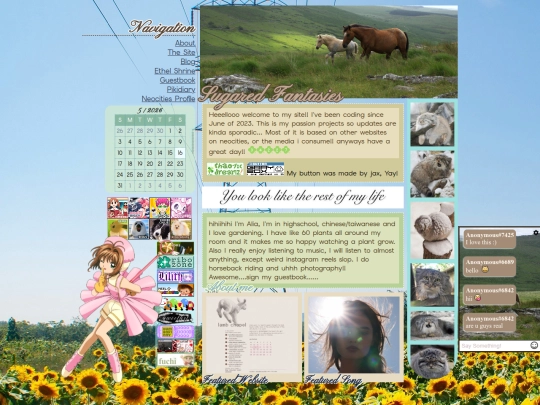
2 likes
how did you make it so that when you click on an image an element appears? I think thats really cool. Is there anywhere i can read to learn how to do it myself?
1 like
Sorry I have a question, how did you make your theme-switcher?? Im surrently in the process of trying to figure out how to do everything on my own.. 😭
6 likes
 moondvsted
2 years ago
moondvsted
2 years ago
not october, but you could make a script to switch the class of your for each theme, and then define the styling of each theme in your css ^_^
5 likes
 eloipodio
2 years ago
eloipodio
2 years ago
I'm not october either but you can use a special css doohickey called the :has() slector. You basically make a form where you check a box and then tell css that when that box is checked to use the variables defined below rather than the defaults!
5 likes
 sugarfantasies
2 years ago
sugarfantasies
2 years ago
okay!! thank u guys for helping :33 ill try them when i get back from school
2 likes


i'm not lostlove but you can make your element not appear by default by using "display: none;" and then on the element you want to click put onclick="{document.getElementById('urelementid').style.display = 'block';}" :3
okay thank you!! ^^